Export your track.
Open your track in one of these apps. Choose Share or Export, then select GPX.
 Print Your Trackby Topoprint.ch
That climb. That view. That day.
Turn your hike, ride or run into a 3D terrain model you can put on your table: virtually or physically.
Print Your Track for iPhone · Free to download
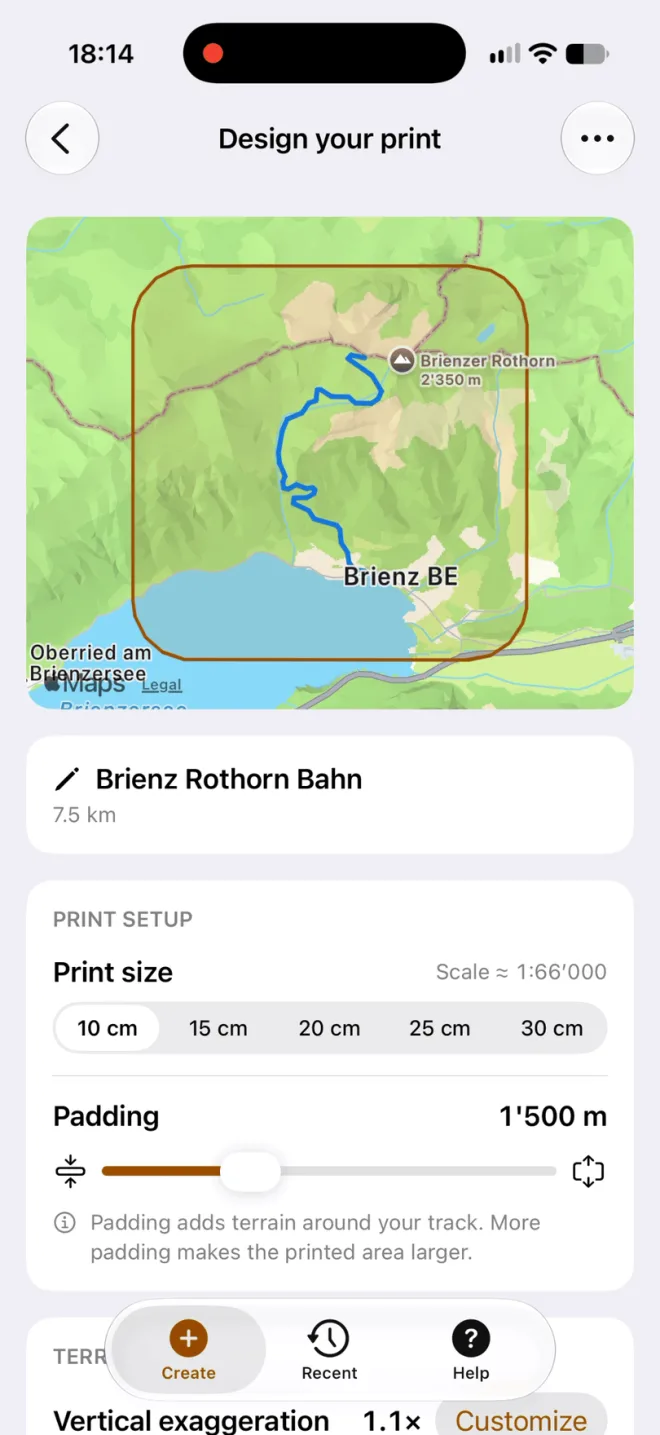
An alpine climb, a coastal ride, a trail far from home. Make it yours.


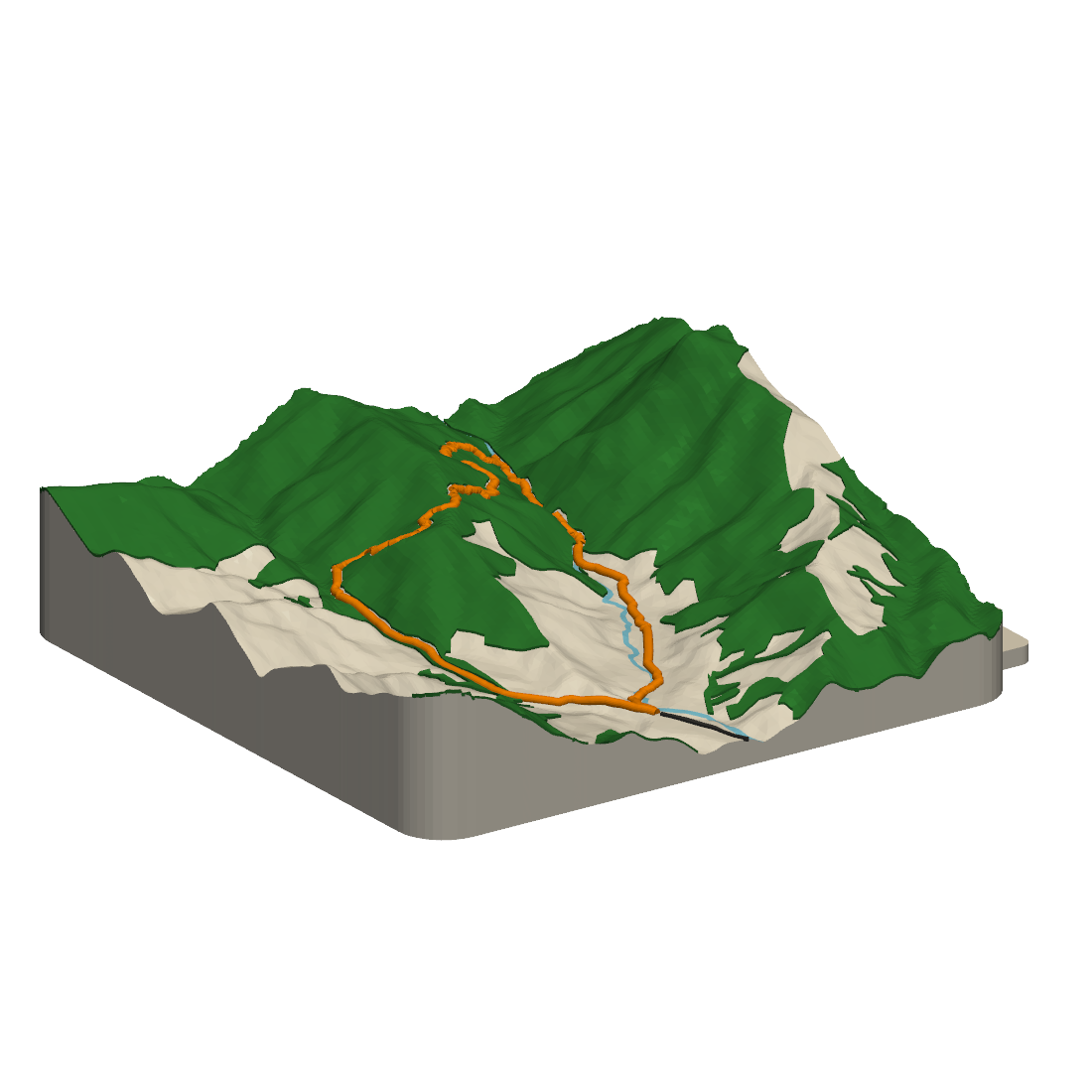
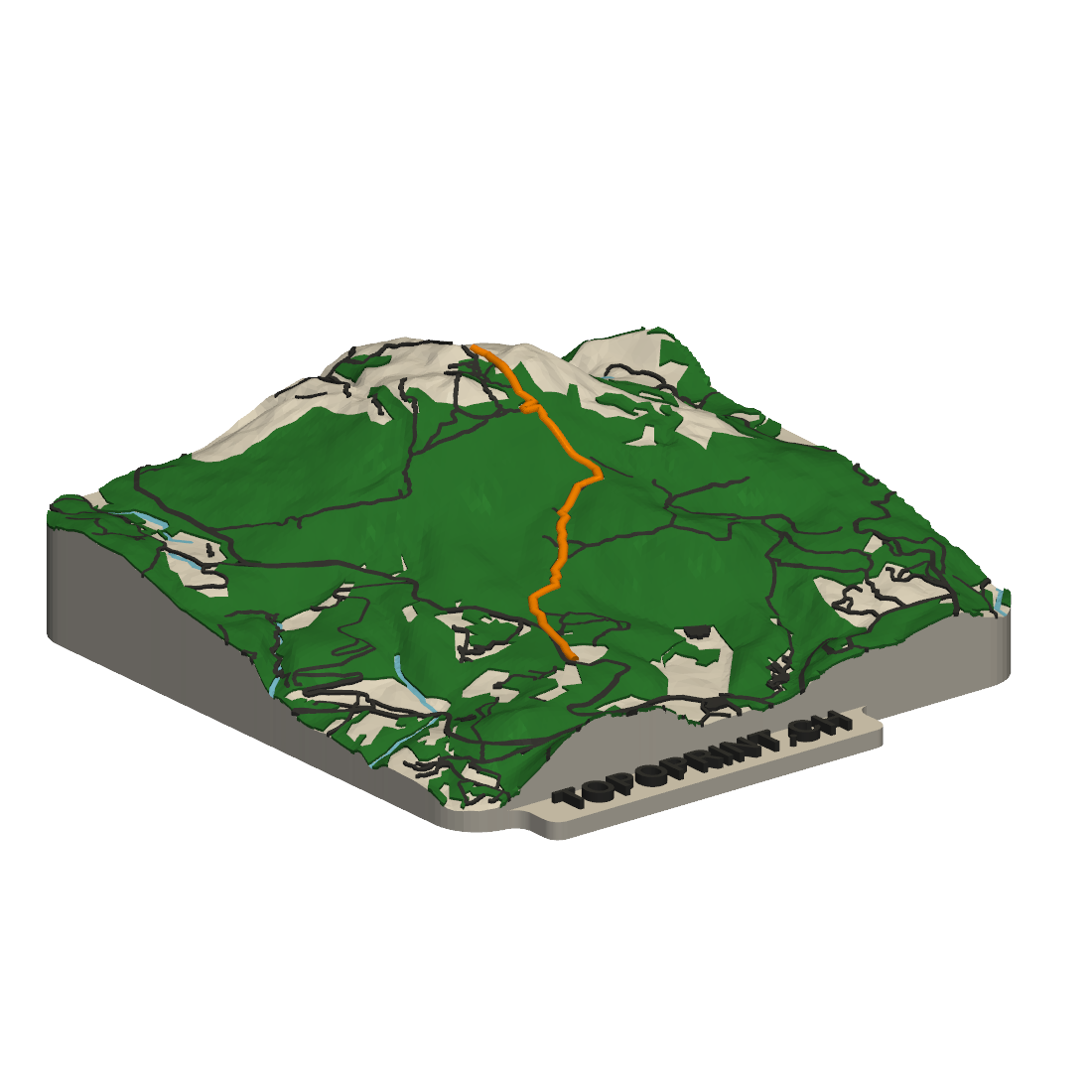
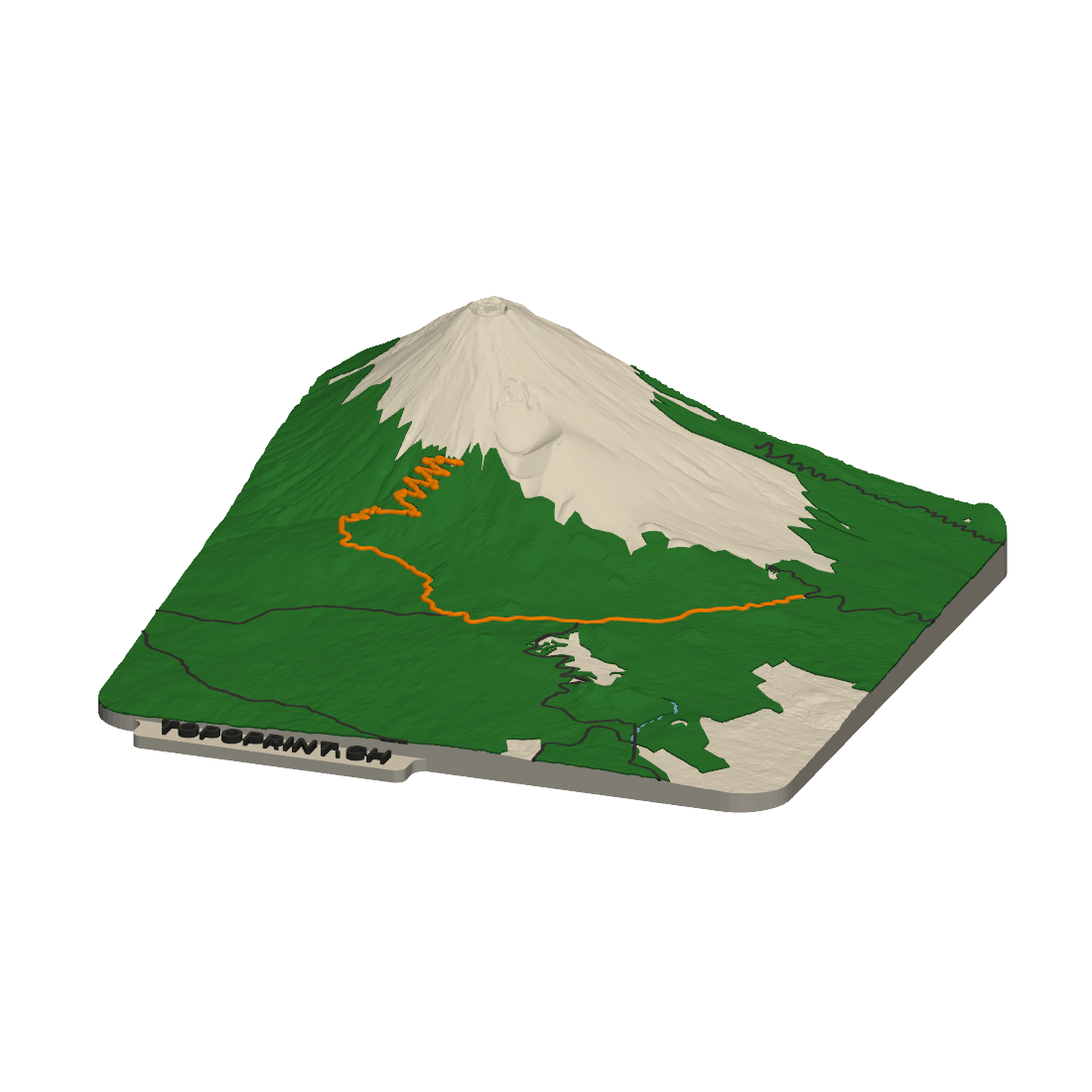

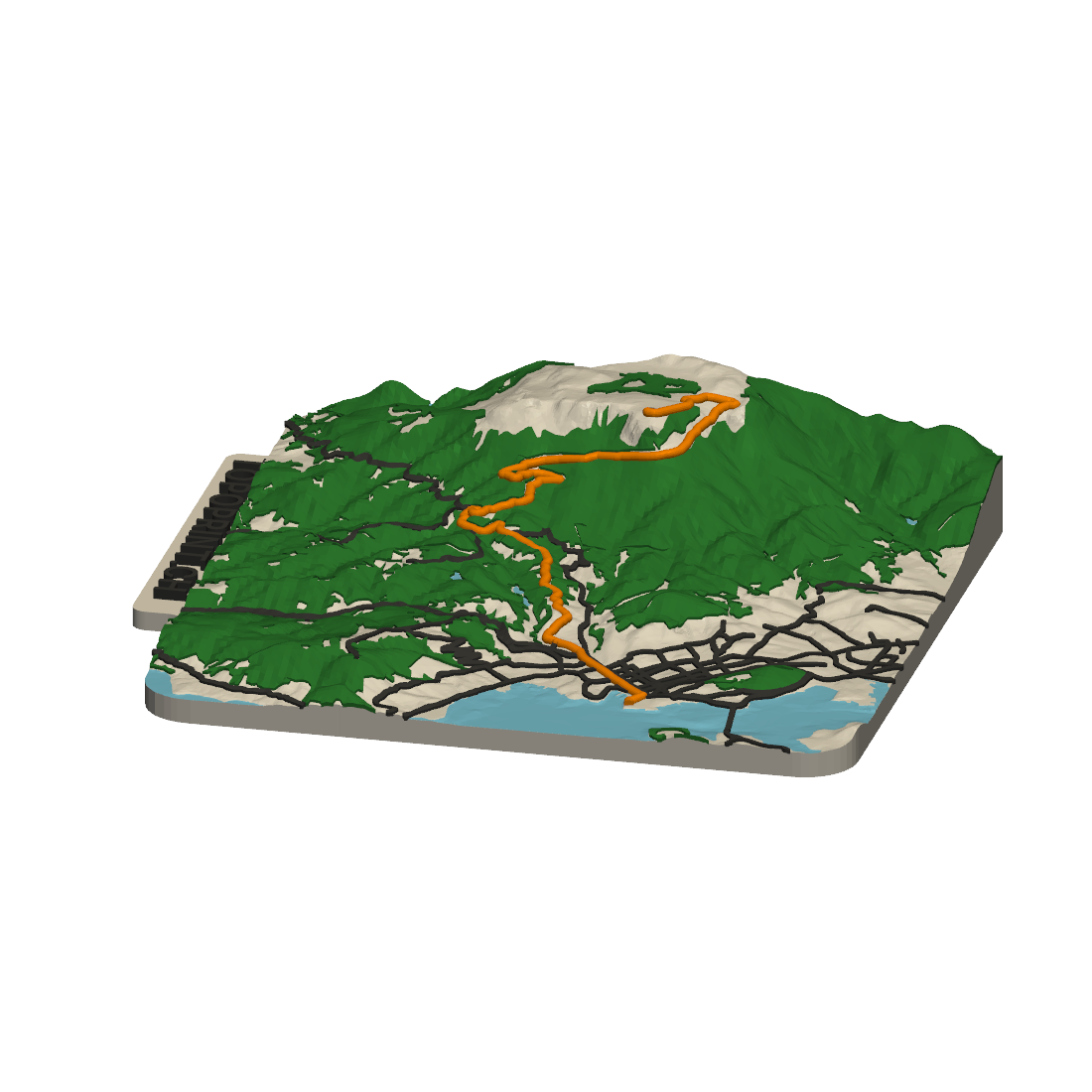
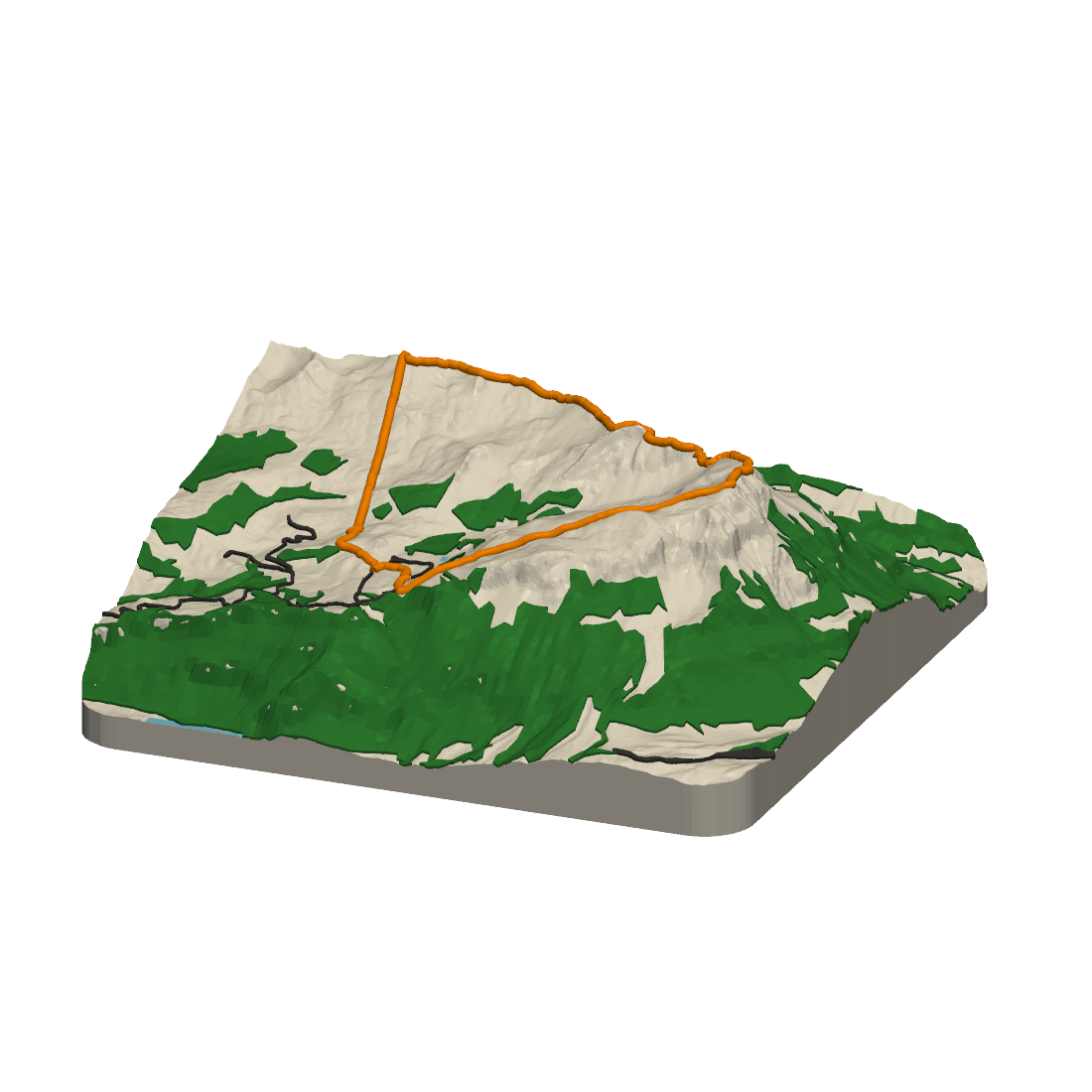


Explore 14 routes from the Topoprint collection. Or start with a GPX file from your favorite Outdoor app.
A GPX file is a track file. Outdoor apps use it to save or share hikes, rides and runs. Print Your Track turns it into your 3D terrain model.
Open your track in one of these apps. Choose Share or Export, then select GPX.
From the Share menu, choose Print Your Track. If it is not listed, save the GPX file to Files, open Print Your Track and tap Import GPX.
Just looking? Start with an example route in the app, or open a GPX file in your browser →
Recorded with Apple Watch? Apple’s Fitness app can’t export GPX files at this point.
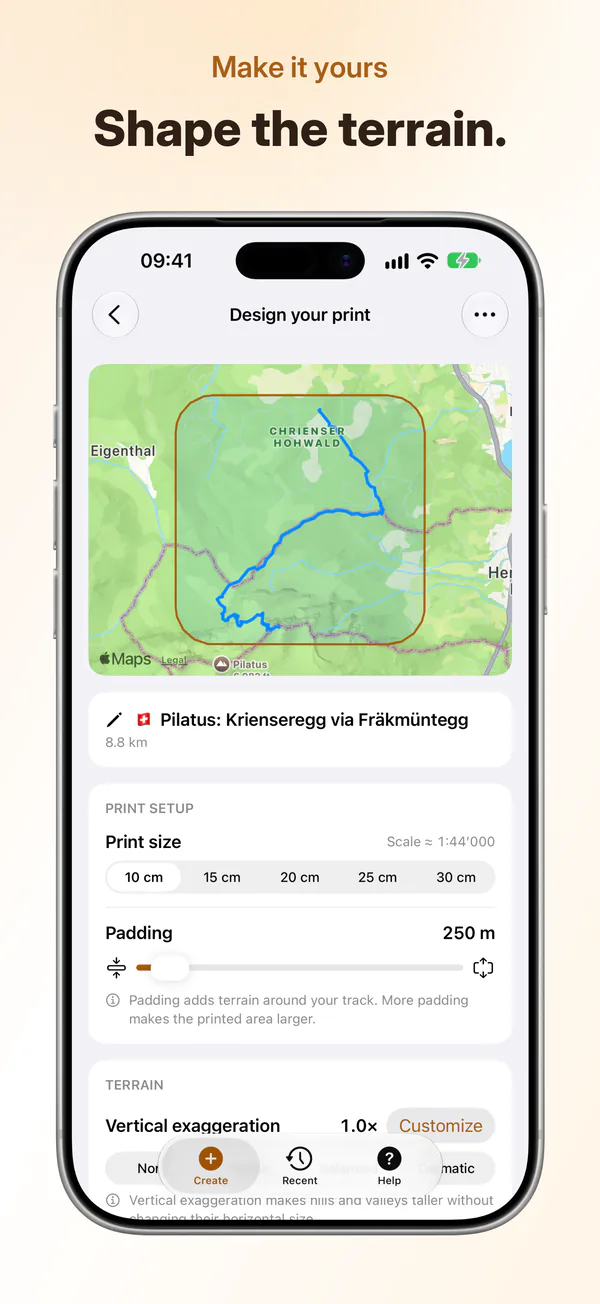
Import a track, shape the terrain and see it in 3D. Then order your print or download the file.



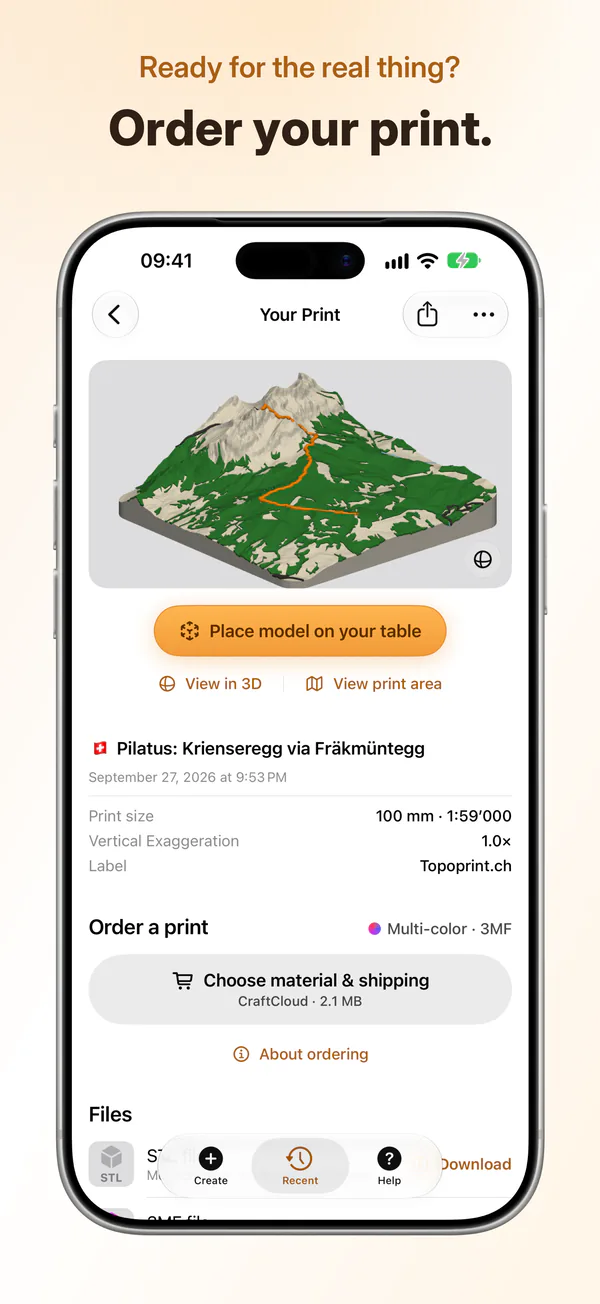


Once your model is ready, start your print order right from the app. We work with Teil3 and CraftCloud to make the step from preview to physical print simple.
Order a monochrome print with the free version, or a multicolor print with a Maker Pass.
Your physical print is paid for separately. Review the price with the printing service before placing your order.
 Your next adventure deserves a place at home
Download Print Your Track on the App Store and start with a GPX file or one of the example routes.
Or try Print Your Track in your browser →
iPhone · iOS 17 or later · English, German, French & Italian
The app is free. An optional Maker Pass unlocks larger print sizes, colored 3MF downloads and custom labels: CHF 8 for a month or CHF 20 for a year, with no automatic renewal. These are launch prices and may change. Physical prints are paid for separately; your printing service shows the price before you order.